01
Fingerprint Access
Unlock your door using a registered fingerprint on compatible models.

Upgrade your entrance with Hytoma's Fingerprint Handle Lock. Enjoy convenient keyless access with supported fingerprint, password, RFID, mobile app and other unlocking options.
Make everyday entry more convenient with the access options supported by your selected Fingerprint Handle Lock model.
Unlock your door using a registered fingerprint on compatible models.
Use a configured access code for convenient keyless entry.
Use a compatible RFID card or tag if supported by the model.
Access supported smart-lock functions through the compatible app.
Temporary one-time access may be available on supported models.
A physical key may provide an additional entry option where included.
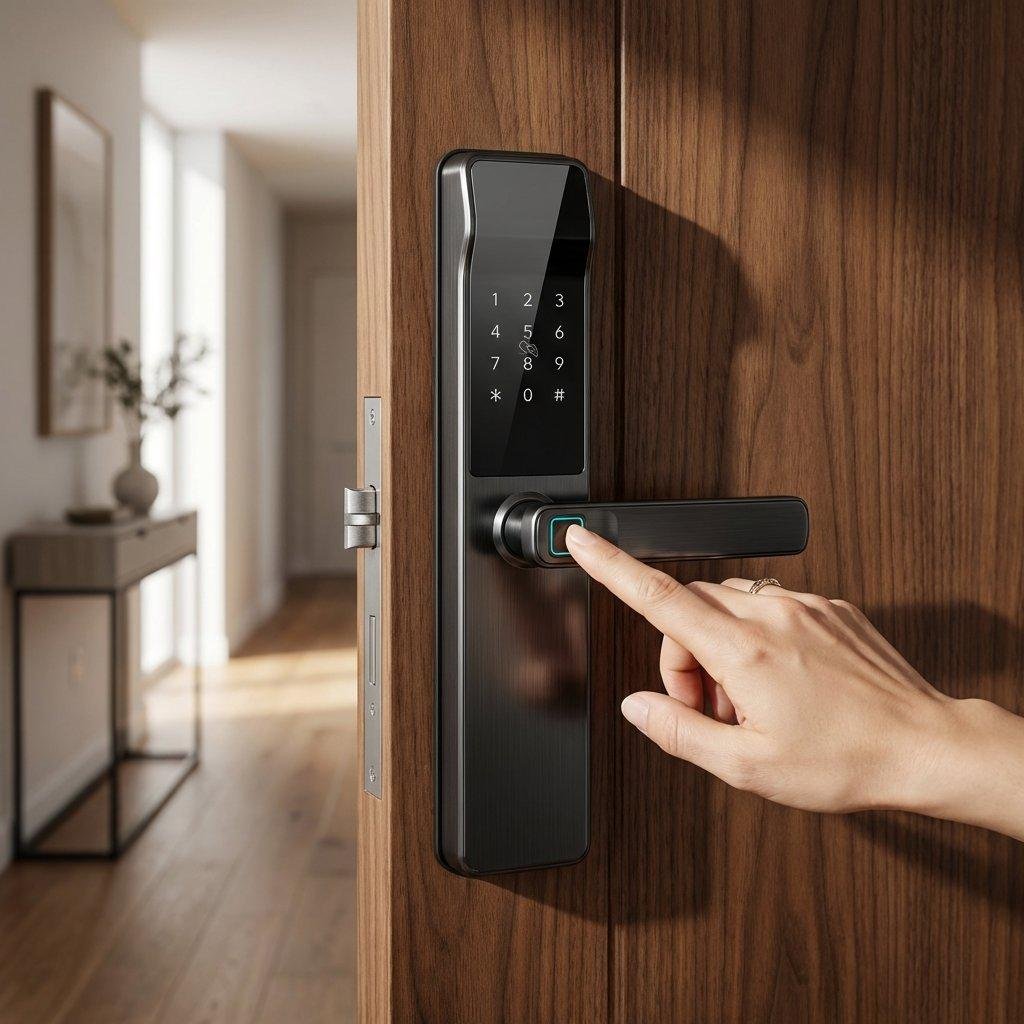
Bring smart access to your everyday routine with a modern fingerprint handle lock. Reduce dependence on traditional keys and choose from the supported electronic entry methods configured for your lock.
Explore potential applications for a compatible fingerprint handle lock in residential and professional environments.
 Residential Homes
 Apartments
 Office Spaces
 Luxury Villas
A simple process to help you choose a suitable lock for your door and understand its supported features.
Share your door type, requirements and preferred access methods.
Check the door material, thickness and existing lock configuration.
Arrange fitting and setup suitable for your selected lock.
Learn how to use and manage the supported access methods.
Contact Hytoma for guidance with your selected lock and its supported features.
Have questions before choosing your fingerprint handle lock? Start with these common queries.
The listed options include fingerprint, PIN/password, RFID, mobile app, OTP and manual key backup. Available features depend on the exact model selected.
Compatibility depends on door material, thickness, dimensions and mounting requirements. Have your door assessed before choosing a model.
Some models support multiple registered users. The supported user capacity depends on the selected product.
App and OTP features depend on the selected model and its connectivity. Contact Hytoma to confirm the available features.
Follow the manufacturer's low-battery and emergency-entry instructions for your specific model. Keep any supported backup entry method available.
Consider your door type, preferred access methods, installation requirements and the features you need. Hytoma can help you identify a compatible option.
Talk to Hytoma about a fingerprint handle lock suited to your entrance and everyday access needs.