01
Fingerprint Access
Unlock using fingerprint access on supported models.

Discover Hytoma's Motorized Fingerprint Lock for a modern access experience. Face recognition and additional biometric or electronic entry options depend on the selected model.
Explore access options that may be available on compatible motorized fingerprint lock models.
Unlock using fingerprint access on supported models.
Enter a configured PIN or password if supported by the selected model.
Use a compatible RFID card or tag where included.
Control supported functions through the compatible app.
Temporary or remote access depends on the selected model.
Backup access methods vary by model; confirm before purchase.
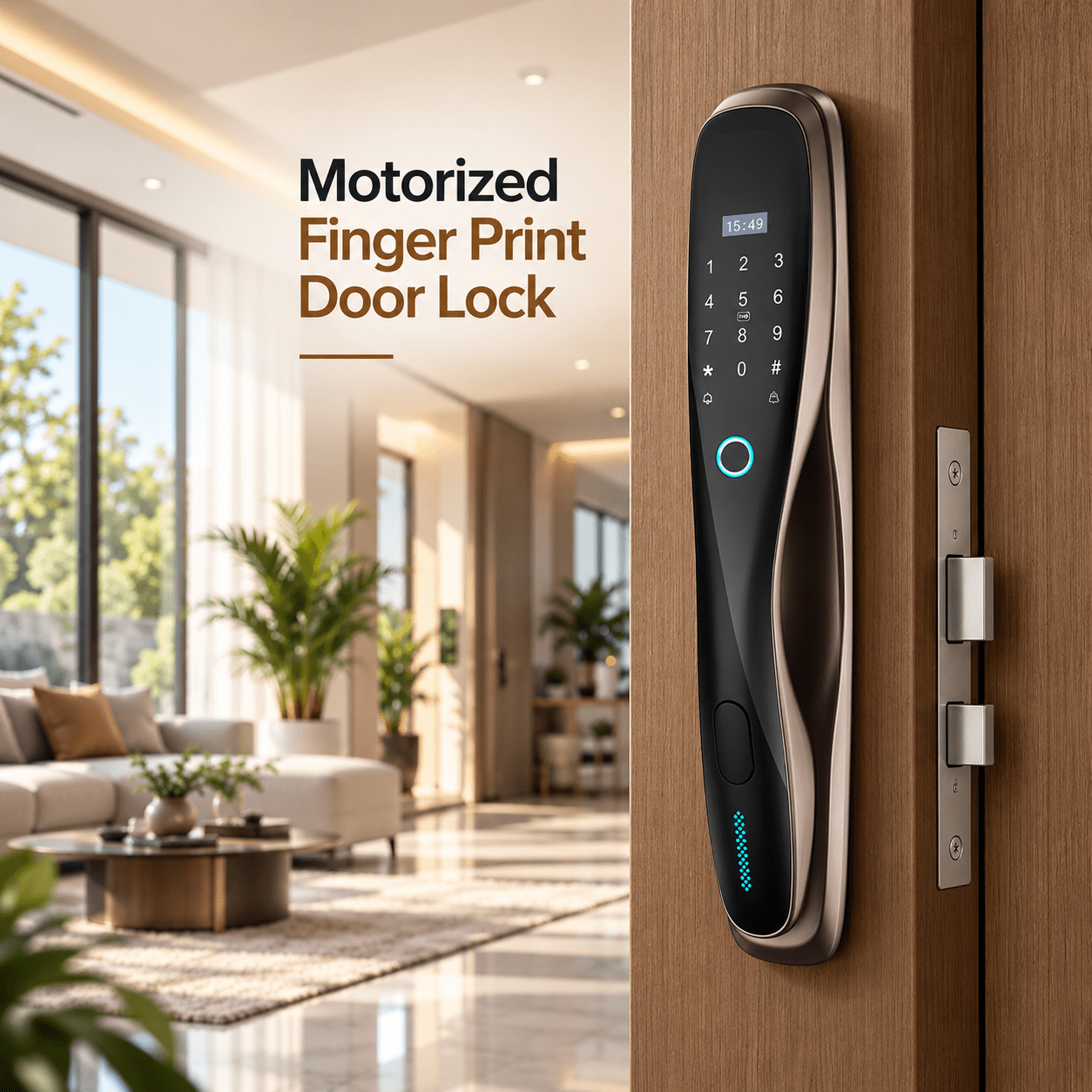
Motorized fingerprint locks can simplify daily entry for suitable homes and workplaces. Confirm the exact model’s unlocking methods, door compatibility, power requirements and installation needs before selecting.
Explore potential use in homes, apartments, offices and villas after confirming door compatibility and model features.
 Residential Homes
 Apartments
 Office Spaces
 Luxury Villas
A simple process to help you choose a suitable lock for your door and understand its supported features.
Share your door type, requirements and preferred access methods.
Check the door material, thickness and existing lock configuration.
Arrange fitting and setup suitable for your selected lock.
Learn how to use and manage the supported access methods.
Contact Hytoma for guidance with your selected lock and its supported features.
Common questions about choosing a motorized fingerprint smart lock.
Compatible models use a fingerprint reader to authenticate registered users and operate the motorized locking mechanism. Exact operation varies by product.
No. Fingerprint, PIN, RFID, app and backup options vary by model. Confirm the specifications before ordering.
PIN, RFID, mobile app or backup methods may be available depending on the selected model.
Door material, thickness, dimensions and mounting requirements affect compatibility. Arrange an assessment before installation.
User enrolment and capacity vary by model. Follow the product instructions or request setup guidance from Hytoma.
Compare recognition options, user capacity, connectivity, power and door compatibility with Hytoma before selecting a model.
Talk to Hytoma about motorized fingerprint lock features and compatibility for your entrance.